
AI Photo Generator - AURA AI
Superapp LabsPhotography
4.3648.00 Reviews
- Version
- 3.0.1
- Installs
- 1.00M
- Age Rating
- Everyone
Screenshots
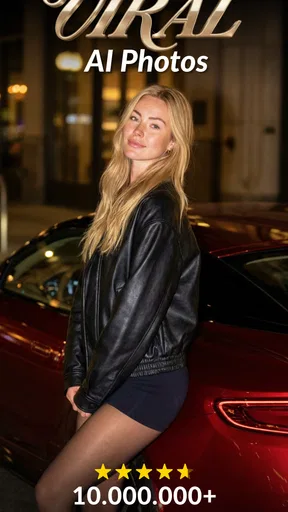

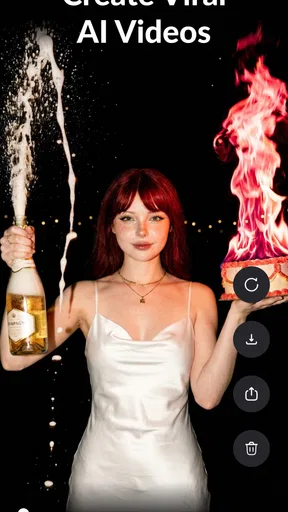
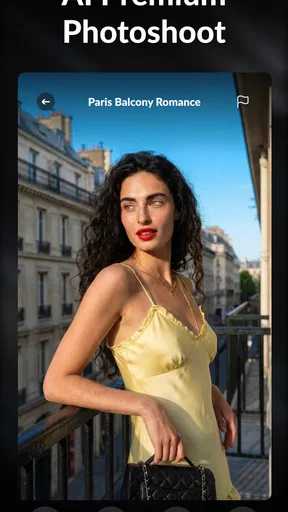
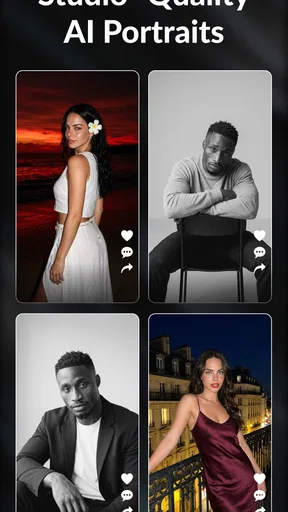
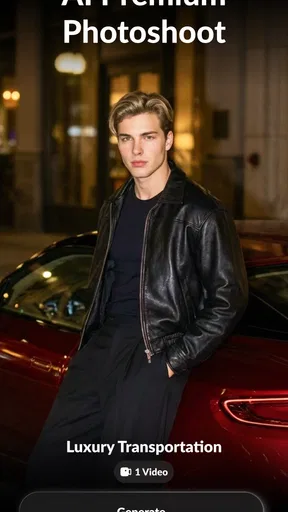
Our Review of AI Photo Generator - AURA AI
 Analysis by Appyee
If you’re like me and love dabbling with photo editing apps, then you might want to check out AI Photo Generator - AURA AI. This app has been making waves in the photo editing community and for good reason. With its advanced AI capabilities, it promises to transform ordinary photos into stunning works of art. I decided to take it for a spin and here’s what I found.
What to expect from an AI-first photo workflow
I’d approach this as a creative portrait and image-making app rather than a replacement for a traditional photo editor. The appeal is being able to start with a personal image and explore an AI-generated result, including portrait and dance-video ideas. That makes it more suitable for playful, shareable experiments than for precise retouching where every edge, color, or crop needs to be controlled by hand.
A useful way to get better results is to choose a source photo with one clear subject, an unobstructed face, and reasonably even light. That gives an automated tool less ambiguity to work through. I’d keep a clean original in my camera roll and treat each generated result as a separate creative option, rather than assuming the first output will be the one I want to publish.
The app is free to start, with optional in-app purchases ranging from $4.99 to $39.99 per item. I’d check the purchase screen carefully before choosing a paid option, especially if I only need one portrait or a quick experiment. Its Everyone age rating makes the audience broad, but it doesn’t mean every generated image is automatically suitable for every context; I’d still review a result before sharing it publicly.
First Impressions
Upon launching AI Photo Generator - AURA AI, I was greeted by a sleek and intuitive interface. It’s clear that a lot of thought has gone into making the app user-friendly. The layout is simple enough for beginners to navigate, yet packed with powerful features that seasoned photo editors will appreciate. The app offers a quick tutorial when you first start, which is a nice touch for those new to AI-driven editing.
Features That Stand Out
The real magic of AURA AI lies in its AI-powered features. One of the standout tools is the Style Transfer feature. This allows you to apply the style of famous artworks to your photos. Imagine turning a simple landscape photo into something reminiscent of a Van Gogh or Picasso painting! The app uses deep learning to analyze the style and then seamlessly apply it to your image.
Another feature I found fascinating is the Background Removal tool. With just a few taps, you can isolate subjects in your photos and replace the background with something entirely different. The AI does a remarkable job of detecting edges and maintaining details, which is impressive considering the app’s simplicity.
Network-dependent moments and mobile use
AI generation can involve more than a quick local adjustment, so I’d plan to use the app when I have a dependable connection rather than starting an involved creation while rushing between weak-signal spots. A connection interruption at the wrong point can turn a quick creative break into a wait, and it’s sensible to leave time to retry or review the result before you need to send it.
For a realistic everyday use, imagine taking a casual portrait during lunch and wanting a more polished image for a profile later that afternoon. I’d first pick a photo that is already sharp and well lit, then try a generated look while connected to reliable Wi-Fi or mobile data. Before posting, I’d compare the result with the original at full size: hair edges, glasses, and small details around the face are the places I would inspect most closely. A thumbnail can make an edit look convincing while hiding a distracting edge.
This is also where a phone-first creative app has a practical advantage: I can work from a photo already on my device instead of moving it to a desktop just to test a new visual direction. The trade-off is that a small screen makes fine inspection harder. I’d use the phone for exploring and selecting a result, then view the saved image larger if it is headed for a print, a work profile, or any use where tiny artifacts matter.
Playing Around with Filters and Effects
If you’re a fan of filters, AURA AI has got you covered. The app offers a wide array of filters that can completely change the mood of your photo. From vintage looks to vibrant, modern aesthetics, there’s something for everyone. The effects are applied using AI, ensuring that they enhance rather than overpower your original image.
I particularly enjoyed experimenting with the Lighting Effects. These allow you to adjust the lighting in your photos, giving them a professional touch. Whether you want to add a hint of drama with shadows or brighten up a dull photo, the app provides the tools to do it effortlessly.
Choosing the right tool for the job
Compared with a conventional editor built around sliders, selections, and manual retouching, this app is more about letting AI make a substantial visual change quickly. That can be enjoyable when I want a stylized portrait or an imaginative result without learning a complicated editing workflow. A standard editor is the better choice when I need exact color correction, careful skin retouching, precise cropping, or a repeatable look across a batch of photos.
It also sits differently from a camera app: it works on images as creative material rather than helping me control a shot as I take it. If the original photo is poorly lit or out of focus, I would fix the capture first where possible instead of expecting a generated effect to rescue every flaw. For someone who mostly wants to organize albums or make small, faithful corrections, the AI-led approach may feel like more transformation than they need.
For portraits, I’d try a few different source images before deciding that a particular style does or does not suit me. A straight-on photo and a three-quarter view can produce different impressions, and busy backgrounds may make separation less tidy. The non-obvious trade-off is that the most dramatic transformation is not always the most useful one: for a professional headshot, a restrained result that still looks like me is often more effective than an eye-catching effect.
Sharing and Saving Your Creations
Once you’ve edited your masterpiece, sharing it is a breeze. AURA AI integrates seamlessly with social media platforms, allowing you to share your photos directly from the app. You can also save your edits in high resolution, which is perfect for those who want to print their photos or use them in larger formats.
One thing I appreciated about the app is its non-destructive editing. This means you can always revert to your original photo if you’re not satisfied with your edits. It’s a handy feature for those who like to experiment without the risk of losing their original work.
When a creation stalls, and how I’d recover
If an image does not finish generating or a screen seems stuck, I would avoid repeatedly tapping the same control straight away. I’d check whether the connection is stable, give the current attempt a moment, and then retry once the network is behaving. Keeping the original photo untouched is a simple safeguard, and it also lets me start again with a different source image if the first one is not giving a satisfying result.
For a smoother session, I’d prepare a small shortlist of suitable photos before opening the creative workflow. That reduces the temptation to keep switching between albums and an AI task while the connection is unreliable. If I’m using mobile data, I’d also be mindful that image-heavy creation and sharing can use data; I’d save larger experiments for Wi-Fi if I’m trying to keep usage down. I would not assume that generation or every part of the app works offline.
Another practical question is whether this is a good fit for a time-sensitive task. I would not make it my only plan for a headshot due minutes before a job application or meeting. There is value in experimenting, but AI results still need a human check, and connection or processing delays can make a last-minute workflow frustrating. For something important, I’d prepare an acceptable conventional portrait first and use the generated version only if it passes a careful review.
Who will get the most from it
I can see this being most enjoyable for people who like turning personal photos into fresh visual variations, making social posts, or trying a portrait concept before committing to a more involved edit. It is also an approachable starting point for someone curious about AI image tools who does not want to begin with desktop software. Superapp Labs develops the app, which is free to download, and its current version is 2.5.7; it requires Android 7.1 or later.
I’d suggest skipping it if your priority is meticulous manual control, dependable batch editing, or a guaranteed professional likeness with no need to inspect the output. A photographer who needs consistent deliverables may prefer a conventional editor, while someone who only wants a simple crop or exposure correction can likely use a basic editor already on their device. The best reason to choose this app is curiosity about its AI-led transformations, not the expectation that it will replace every photography tool.
Its average rating is 4.4 from around 104,000 ratings, with more than 1 million installs. Those figures suggest broad interest, but they cannot tell me whether a particular generated result will suit my photo or taste. I’d judge it on a small, low-stakes test first, and only spend on an optional purchase if I have found a workflow I genuinely want to use again.
Final Thoughts
Overall, AI Photo Generator - AURA AI is an impressive app that’s worth a try for anyone interested in photo editing. Its powerful AI capabilities make it stand out from other apps on the market, and its user-friendly interface ensures that even beginners can create stunning images with ease. Whether you’re looking to enhance your photos for personal use or want to impress your social media followers, AURA AI has the tools to help you achieve your creative vision.
The app is available for download on both Android and iOS, so no matter what device you’re using, you can start transforming your photos today. So go ahead, give it a try and unleash your inner artist!
My connectivity verdict
I’d use it when I have a stable connection, a little time to compare alternatives, and a photo that is already a good starting point. It is less appealing for rushed edits on an unreliable network or for work that demands exact, predictable results. For casual creative experiments, that balance feels reasonable: keep the original, check the finished image carefully, and let the AI be a source of ideas rather than the final judge.
Verdict
Strengths of AI Photo Generator - AURA AI
- User-friendly interface for easy navigation.
- Wide range of styles and effects available.
- Fast processing with high-quality outputs.
- Regular updates with new features.
- Compatible with both Android and iOS.
Limitations of AI Photo Generator - AURA AI
- Requires internet for full functionality.
- Limited features in free version.
- Occasional ads can disrupt workflow.
- Some styles may take longer to render.
- Subscription model may not suit all users.
Other Releases by Superapp Labs
View All
AI Logo Maker, AI Design: Hexa
Art & Design4.4

Comics AI: Comic & Manga Maker
Art & Design4.1
Similar Picks in This Category
View All
Google Photos
Google LLC4.4

Gallery
Google LLC4.2

Picsart AI Photo Editor, Video
PicsArt, Inc.3.9

B612 AI Photo&Video Editor
SNOW Corporation4.1

BeautyPlus-Selfie Photo Editor
PIXOCIAL TECHNOLOGY (SINGAPORE) PTE. LTD.4.5

Remini - AI Photo Enhancer
Bending Spoons4.1
Frequently Asked Questions
What is AI Photo Generator - AURA AI and how does it work?
AI Photo Generator - AURA AI is a cutting-edge application that uses artificial intelligence to transform your photos into stunning artwork. By applying various artistic filters and effects, the app analyzes the image's components and intelligently enhances them, offering users a personalized and creative output. Whether you want a classic oil painting look or a modern abstract style, AURA AI can deliver.
Is AI Photo Generator - AURA AI free to use?
The app offers a free version with basic features, allowing users to explore its capabilities. However, for access to premium filters and advanced editing tools, a subscription or one-time purchase may be required. The app provides various pricing plans to suit different user needs, ensuring a flexible and user-friendly experience.
What are the system requirements for installing AI Photo Generator - AURA AI?
AI Photo Generator - AURA AI is compatible with both Android and iOS devices. For Android, it requires version 7.0 or higher, while iOS users need version 12.0 or later. Ensure your device has sufficient storage and processing power to handle the app's AI-based functionalities for optimal performance.
How does AI Photo Generator - AURA AI ensure user privacy and data security?
The app prioritizes user privacy by implementing robust security measures. It processes images locally on your device, minimizing data transfer. Any images uploaded are encrypted, and the app adheres to strict privacy policies to protect user information. Regular updates ensure compliance with the latest security standards.
Can AI Photo Generator - AURA AI be used offline?
While basic functionalities of AURA AI can be used offline, an internet connection may be required for accessing certain features, updates, and downloading new filters. The offline mode allows users to edit and save images, but for the best experience and full access to features, being online is recommended.
